Health AI SaaS · 02 / 11 · mobile application
Sensor data overview
Getting a member from a box of medical hardware to a first glucose reading on their own — one device at a time, with a person one tap away.
Overview
When a member joins Twin Health, a box arrives: a continuous glucose sensor, a body composition scale and a fitness band. This is the part of the app that gets them from the box to a first reading — unboxing, putting the sensor on, pairing, and the hour-long wait before it starts reading.
The problem: For a lot of members — many of them older, few of them technical — a box of medical hardware with a needle applicator is frightening. Fear of pain, confusing Bluetooth pairing and the worry of doing it wrong meant sensors sat unopened, and treatment started late.
What we built: A guided setup that takes one device at a time and says what it's for before saying how to use it. Putting the sensor on is three steps with a plain line about how it feels. Pairing shows the states it really has, including the one that goes wrong most. And a named person — the member's Sensor Specialist, with a call already booked — is one tap away on every screen.
Who it's for:
- Primarily: members with Type 2 diabetes setting up their sensors at home for the first time.
- Also: the remote Sensor Specialists and health coaches who help on video when it doesn't go to plan.
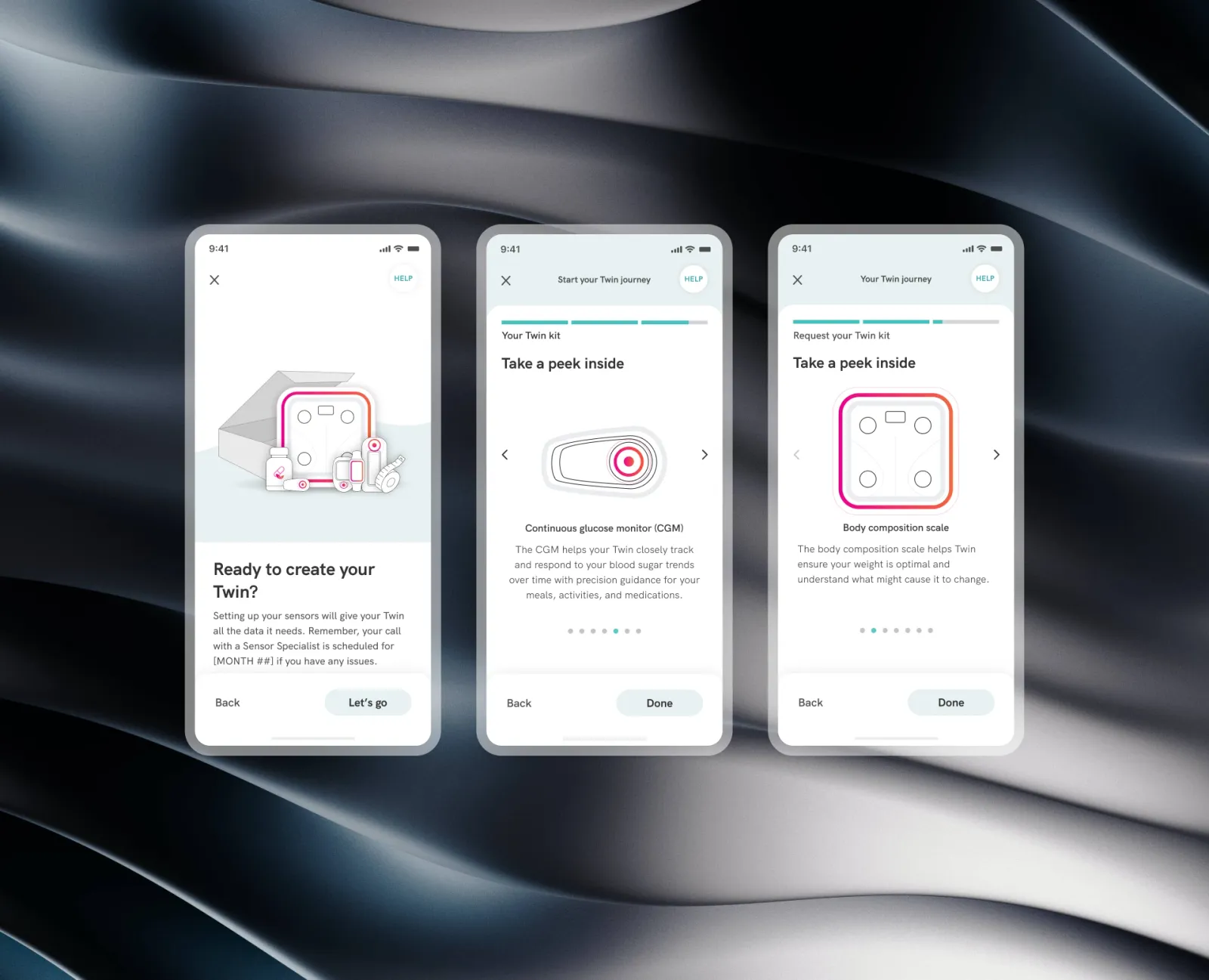
Ready to create your Twin?
Setting up your sensors gives your Twin the data it needs. It takes about ten minutes.
Your call with Priya, your Sensor Specialist, is on Thursday at 10:00 — if anything goes wrong before then, tap Help.
What setup moves through
The prototype above is the whole setup. Turn the phone's Bluetooth off before pairing to see the recovery — it's the failure members hit most, and the one most likely to make them stop.
- Unbox: "Ready to create your Twin?" — and straight away, "Your call with a Sensor Specialist is scheduled for [date]." Knowing help is booked lowers the stakes of everything after.
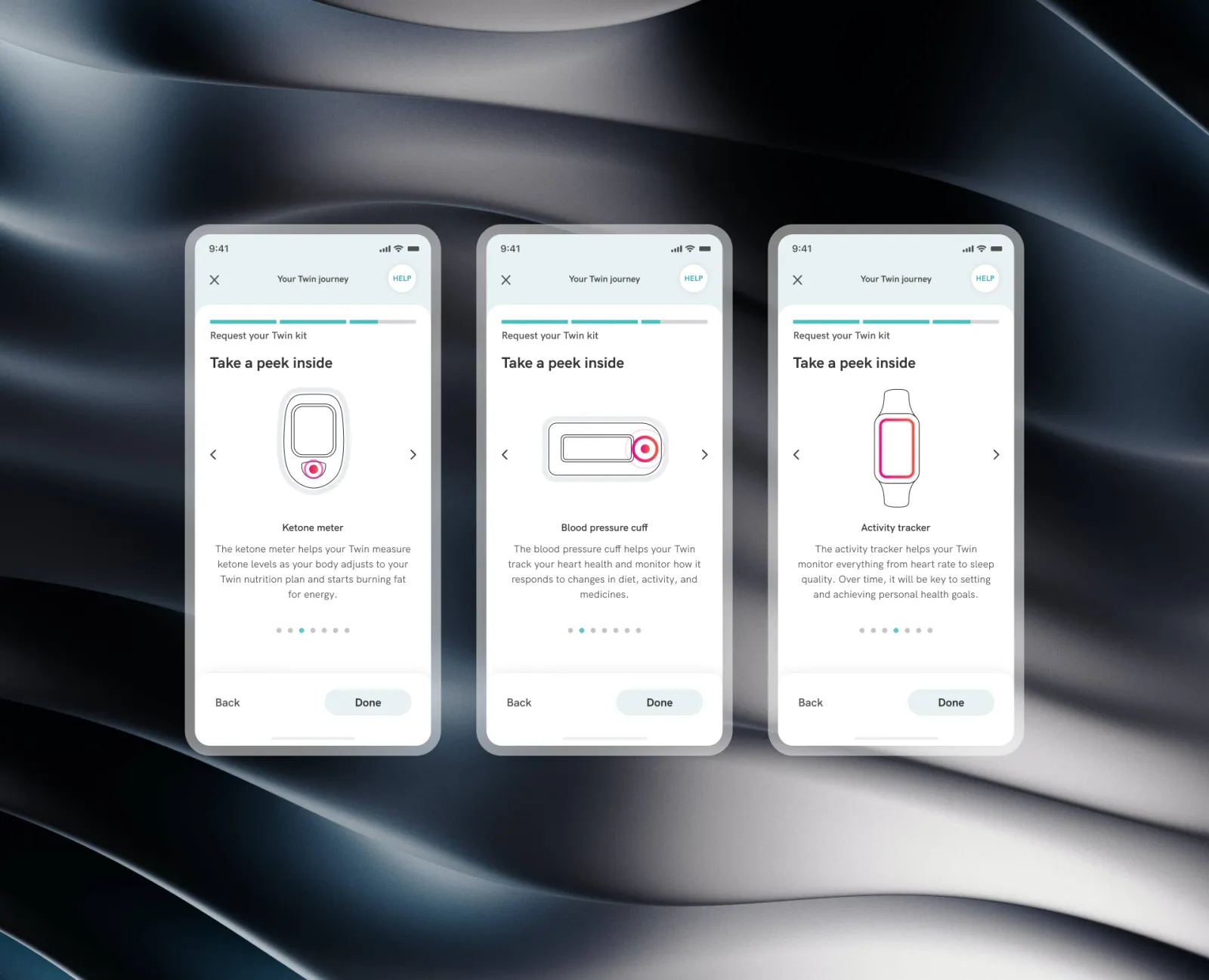
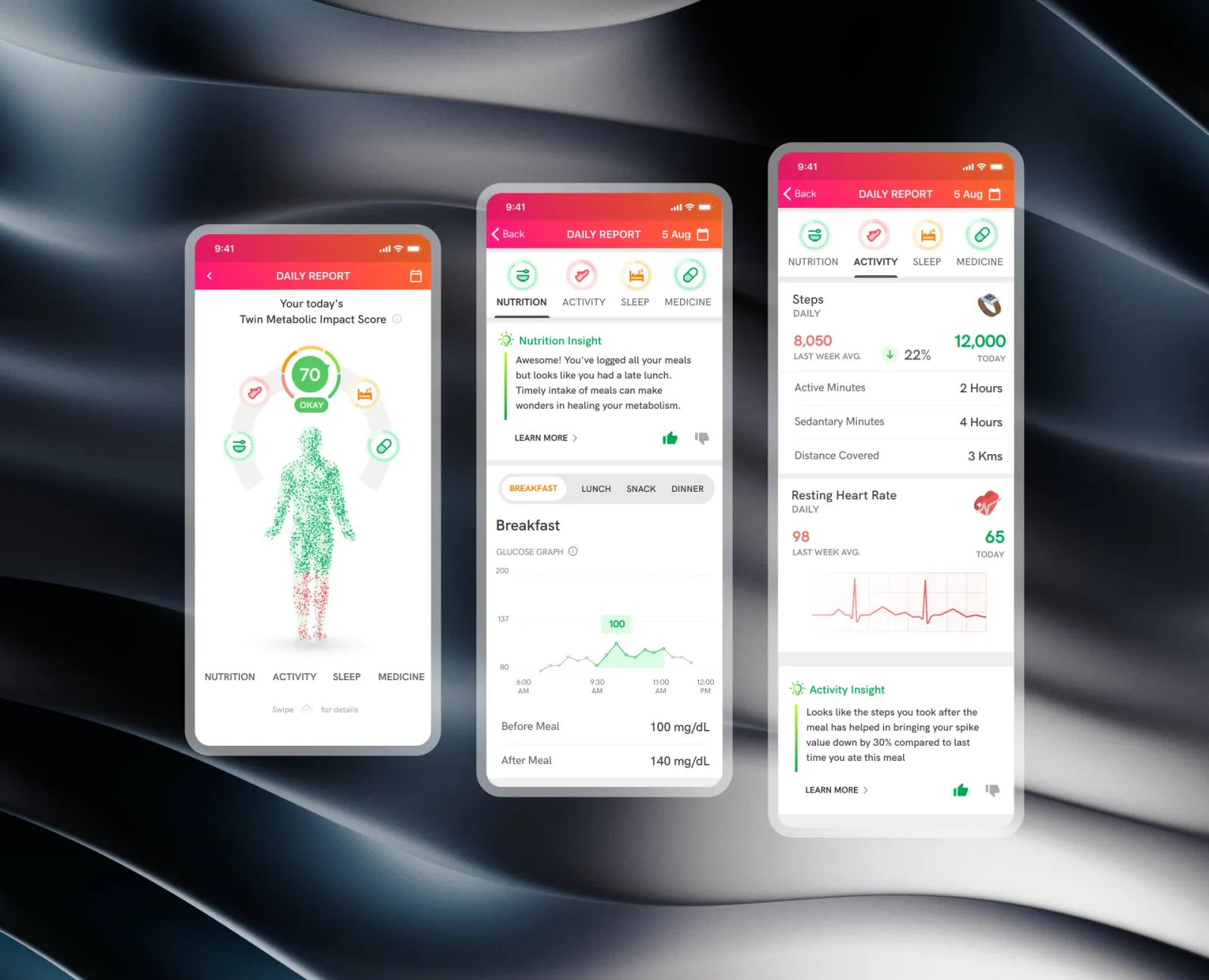
- Meet the devices: one a screen, the reason first.
- Put the sensor on: three things to tick; the line "most people say it feels like a light tap" does more than any illustration.
- Pair: searching, found, connected — each said in words.
- Warm up: an hour, stated plainly, with a countdown, so a quiet sensor doesn't look broken.
- First reading: a number, a curve, and the next thing to do.
Designing against the fear
The hard parts were psychological as much as technical:
- Needles: reassure that applying a sensor is quick and close to painless, without overselling it.
- Purpose: explain why a member needs both a glucose sensor and a scale, without a lecture.
- A way out: a person, not a FAQ, whenever pairing fails or nerves win.
- Orientation: a member should always know which step they're on and how many are left.
One device at a time
Each device gets a screen of its own, with a three-part progress bar on top and arrows and dots to move between them.
- The sensor: "The CGM helps your Twin closely track and respond to your blood sugar trends, with guidance for your meals, activities and medications."
- The scale: "The body composition scale helps Twin understand what might cause your weight to change" — muscle and body fat, not just a number.
Help that names someone
A Help button sits in the top bar of every screen. It doesn't open a list of articles; it offers a call with the member's own Sensor Specialist, who can see which step they're on.
Calm, large and legible
Soft greens and clinical blues instead of hospital white, and large, high-contrast type with generous line height for members with weaker eyesight.
Results
- Set up alone: about 85% of members paired their sensors within two days of the kit arriving.
- Support: setup tickets fell by about a third.
- Early engagement: members who went through the walkthrough logged 2.4× more biometric data in their first two weeks.
Conclusion
The hardware didn't change. Taking it one device at a time, saying what each was for, describing the needle honestly and putting a named person one tap away turned a frightening box into a first step members could take on their own.
Gallery
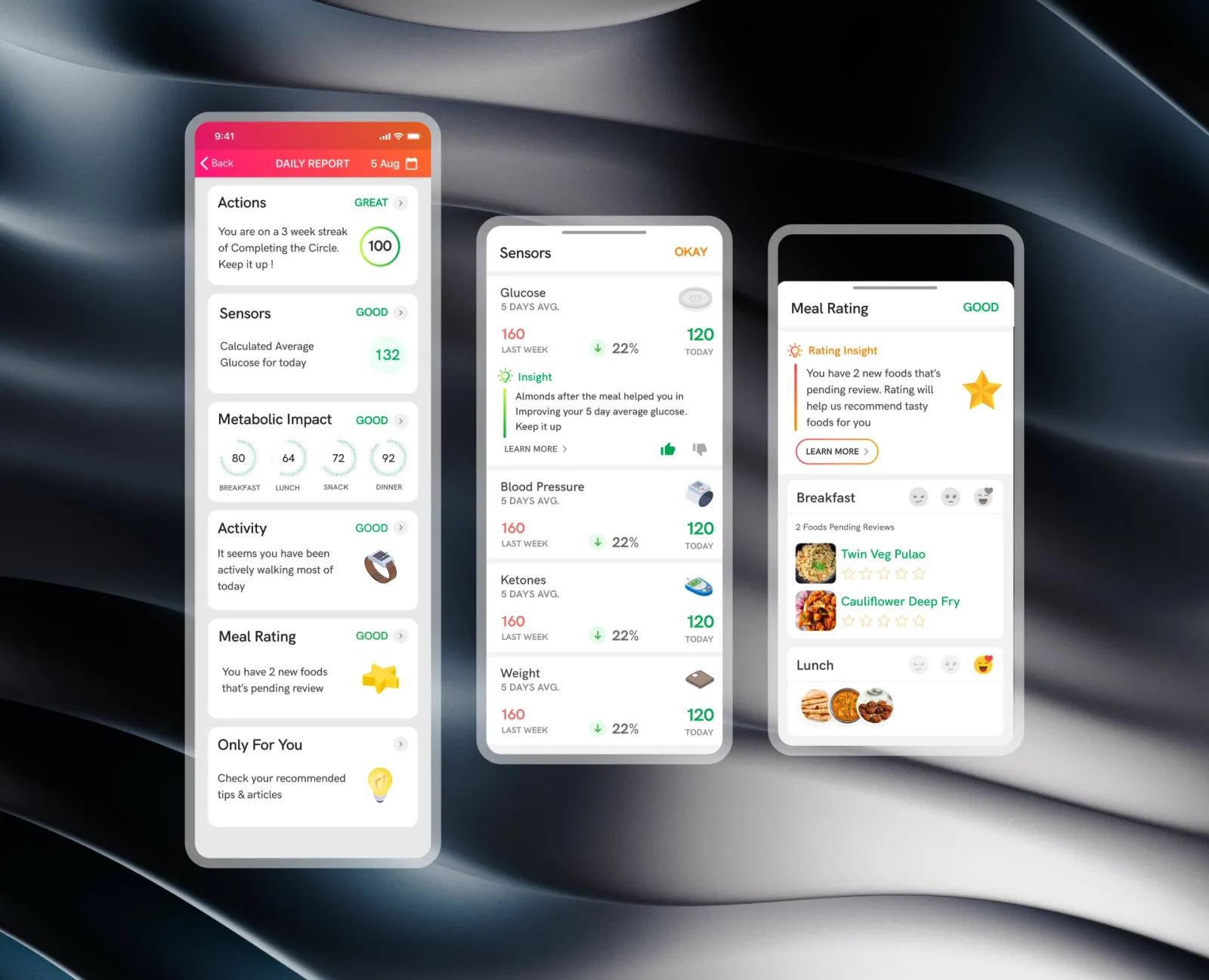
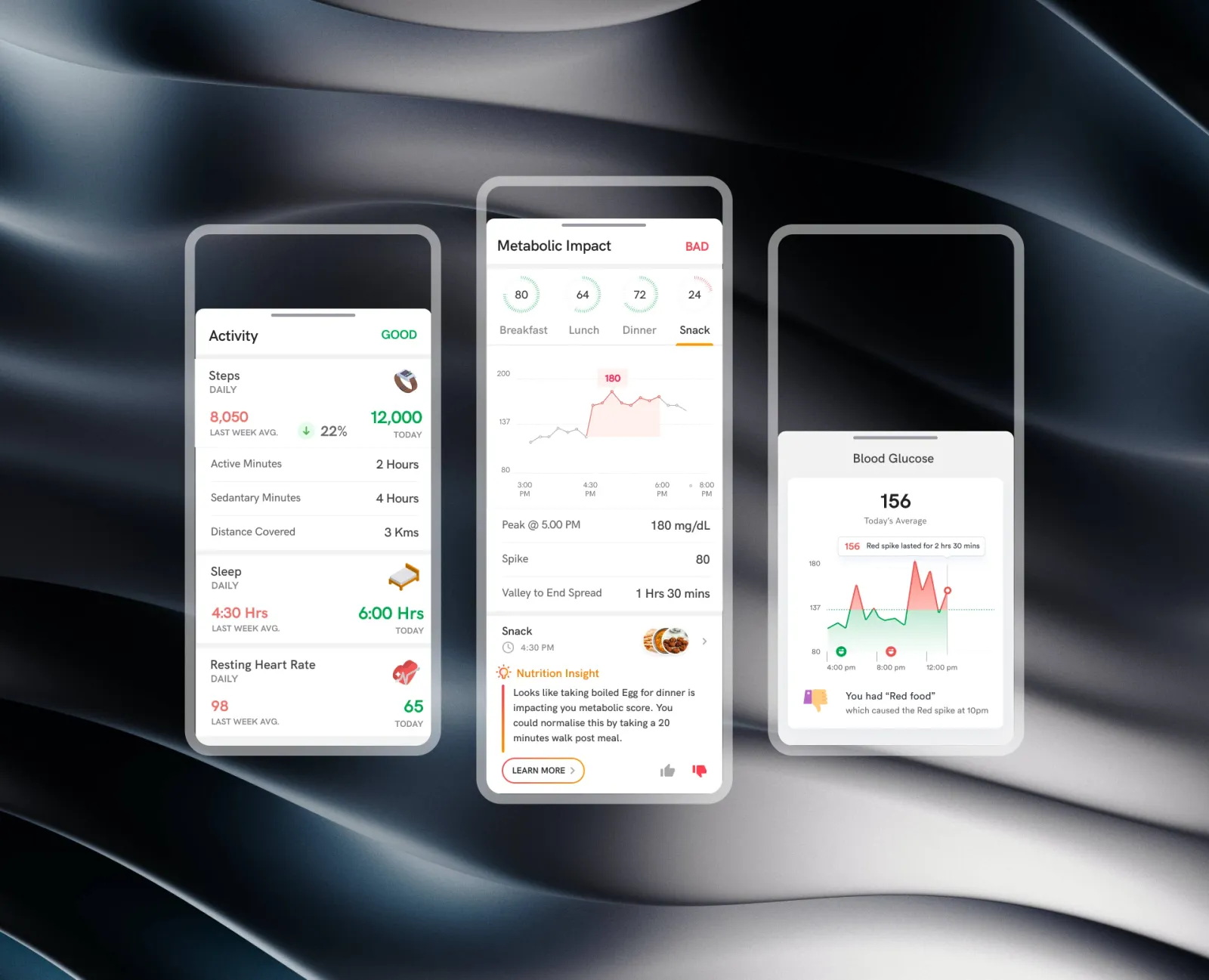
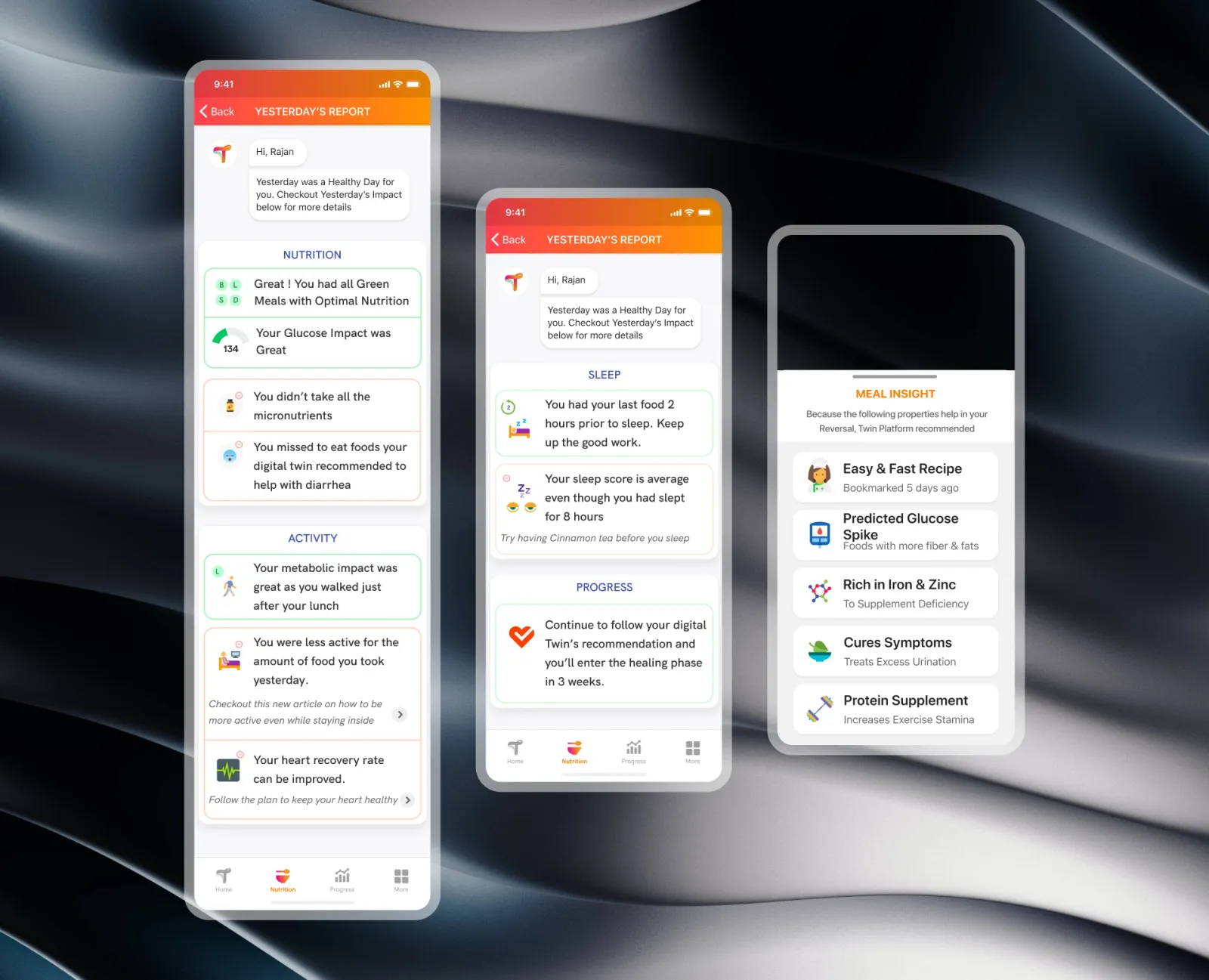
01 / 15Unboxing — What's in the kit, and that a call with a person is already booked.